

Business cards
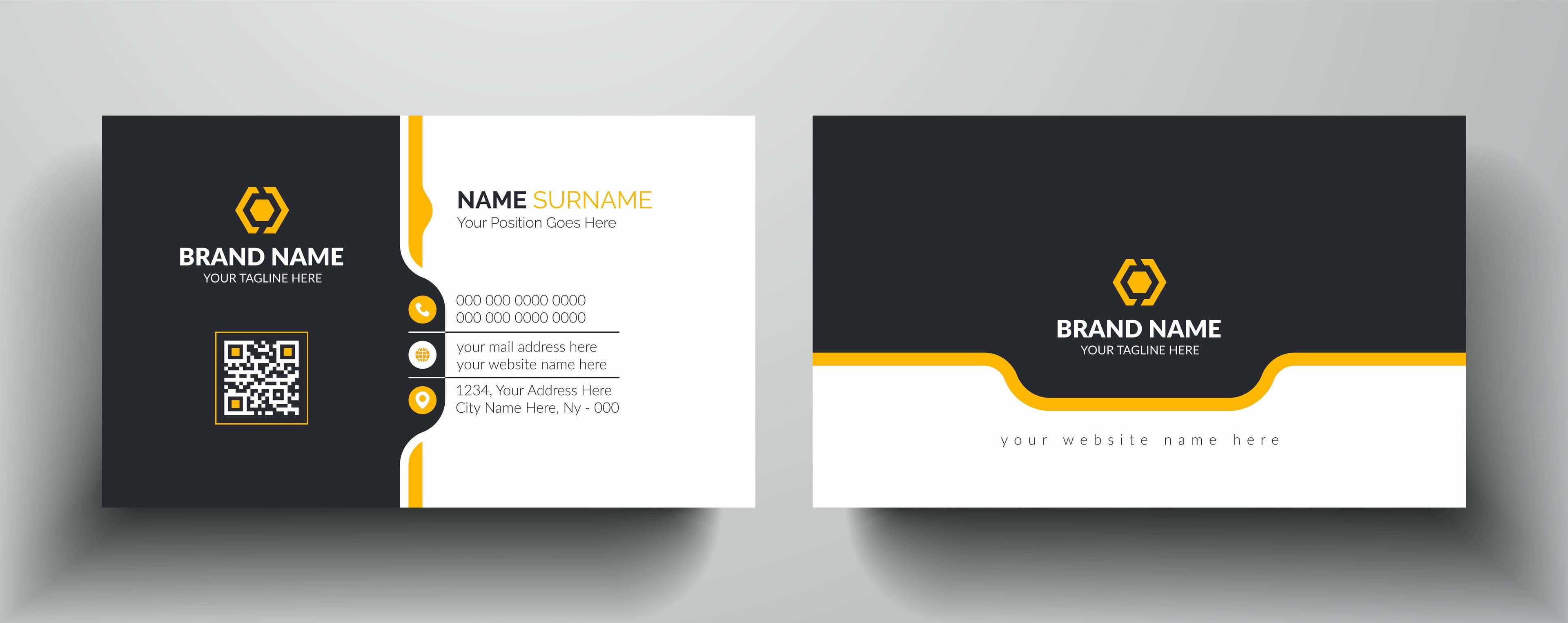
Business cards these days come in all shapes, sizes and colours.
Platforms like your LinkedIn profile, social media or website are like your digital business card.
What to include on your business card
When it comes to your physical business card, there's some key elements to include:
- The card should have your business branding and logo on it and
- The look and feel needs to be consistent with your other marketing materials
- It should also have contact details on it such as:
- Phone number
- Email address
- Website address
- Social media icons and handles
- The card needs to at least hint at what your business does, for example:
- Your business name
- If what you do isn't clear from your business name, add your 'tag line' to the card
- Include your business' physical address if it has one
- Some business cards use QR codes these may link to an offer or a short video
- You could also choose to add your Australian Business Number (ABN)
- For industries like financial services or medicine, you can add licence numbers or qualification acronyms
Designing your business card
When you're starting out, there is the option of doing it yourself.
A well-designed business card is a professional look for you and your business.
If you can, it would be worth investing in having your business cards created by a professional.
If your budget does not permit it, free design tools like canva can be a good starting point.
You can create a template for your card via the software and then take it to a place like Officeworks to get them printed.
Sharing your digital business card
Online sharing of your business details is another good, budget-friendly option.
If you don't have the budget for professional cards, you can look into online business cards.
When we worked from home during COVID lockdowns, online business cards boomed with business owners sharing their contact details online.
- This can be done via various ways e.g.
- From your phone contacts
- Via LinkedIn
- Open the LinkedIn app > tap on the Search bar and you will see a miniature QR code on the right > Tap that and the QR code will enlarge so that another person can scan it with their phone.
- If you want to scan someone else's QR code, just tap on scan on the right.
- Apps like Full Contact and CamCard (which have free and paid options)
- Open the LinkedIn app > tap on the Search bar and you will see a miniature QR code on the right > Tap that and the QR code will enlarge so that another person can scan it with their phone.
What's been your experience with business cards? Let us know!